Georgia's 1% tax for small business: how it actually works (2026)
A practical walkthrough of the 1% tax regime for individual entrepreneurs in Georgia — who qualifies, how to file monthly on rs.ge, and the mistakes that cost people money.
FileTax
FileTax.ge
The 1% tax — what's the deal?
If you're freelancing or running a small business in Georgia, you've probably heard about the 1% tax. Here's the short version: register as an Individual Entrepreneur (IE) with Small Business Status, and you pay 1% of your gross revenue instead of standard income tax. That's it. No VAT, no complex deductions. Just 1% off the top.
The catch? Your annual income can't exceed 500,000 GEL. Go over that, and the math changes (more on that below).
This falls under Article 89 of the Georgian Tax Code, in case you want to look it up.

Who qualifies
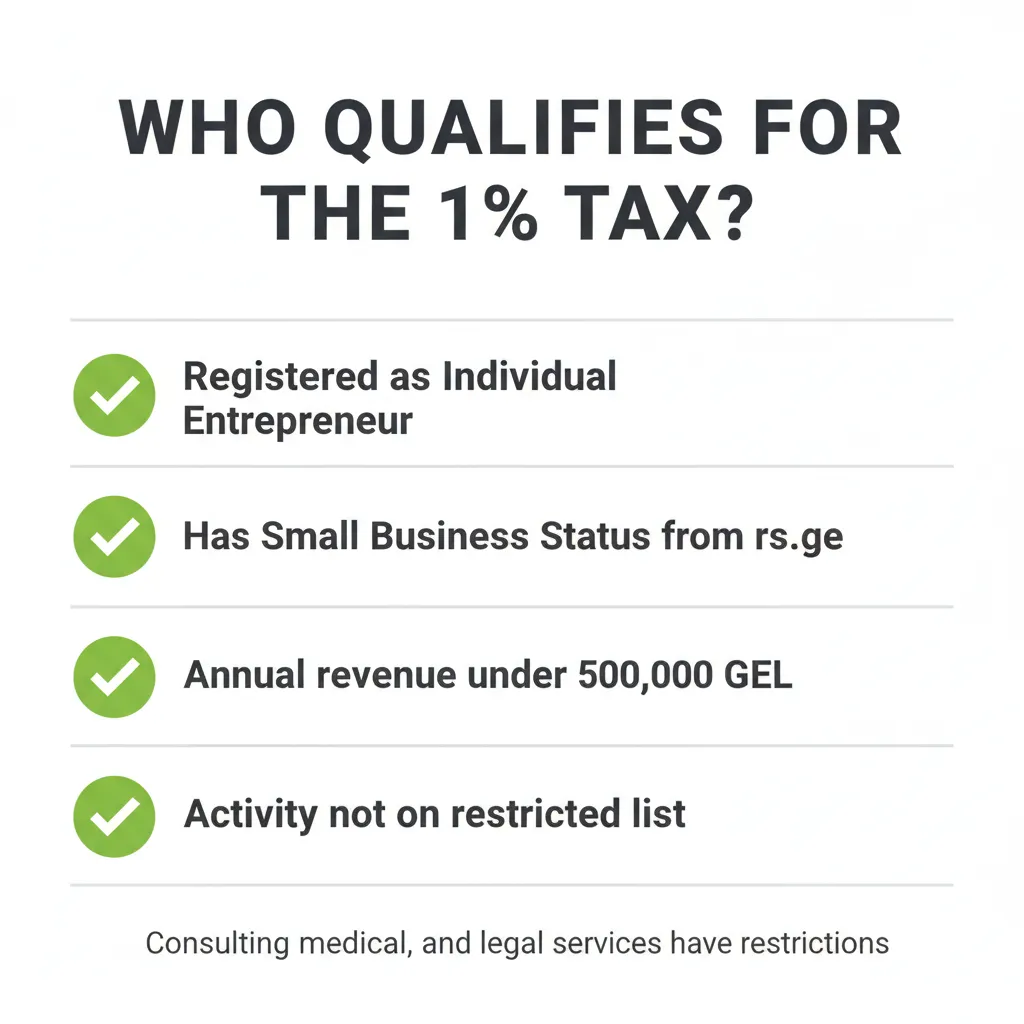
Four things need to be true:
- You're registered as an Individual Entrepreneur at the National Agency of Public Registry
- The Revenue Service (rs.ge) has granted you Small Business Status
- Your annual gross revenue stays under 500,000 GEL
- Your work isn't on the restricted list — consulting, medical, and legal services have limitations, among others
That last point trips people up. If you're doing IT freelancing or e-commerce, you're generally fine. If you're offering consulting services, check the specific restrictions before assuming you qualify.
Getting set up
The registration process is straightforward:
- Register as an Individual Entrepreneur at the House of Justice (or online)
- Apply for Small Business Status on rs.ge
- Open a business bank account — TBC, Bank of Georgia, Credo, and Liberty Bank all work
- Start invoicing
Most people get through this in a few days. The Small Business Status application on rs.ge is the part that sometimes takes a bit longer.
Filing your monthly declaration
This is where it gets practical. Every month, you file a declaration on rs.ge by the 15th of the following month. So January's declaration is due February 15th, and so on.
The declaration form has several columns you need to fill:
| Column | What goes there |
|---|---|
| Column 15 | Your year-to-date income total |
| Column 17 | This month's income |
| Column 18 | Cash register income |
| Column 19 | POS terminal income |
| Column 20 | Bank transfer income |
| Column 21 | Other income |
Column 15 is the one people mess up most often. It's not this month's number — it's every month since January added together.
A faster way to do this
Pulling numbers from bank statements, categorizing transactions, calculating cumulative totals — it's tedious work, especially if you have dozens of transactions per month.
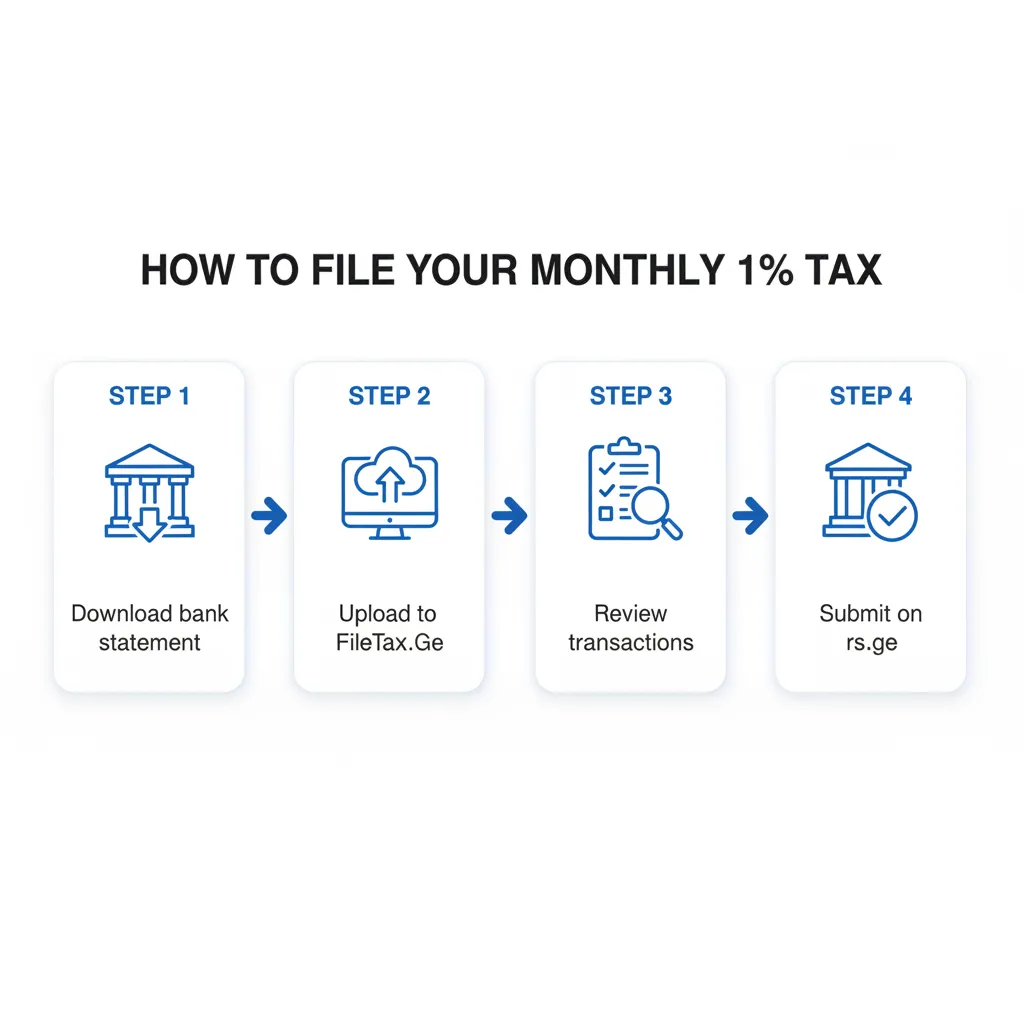
That's why we built FileTax.Ge. Upload your bank statement, review the transactions, and the tool calculates all the column values for you. Then you just copy them into rs.ge.
The 500,000 GEL threshold
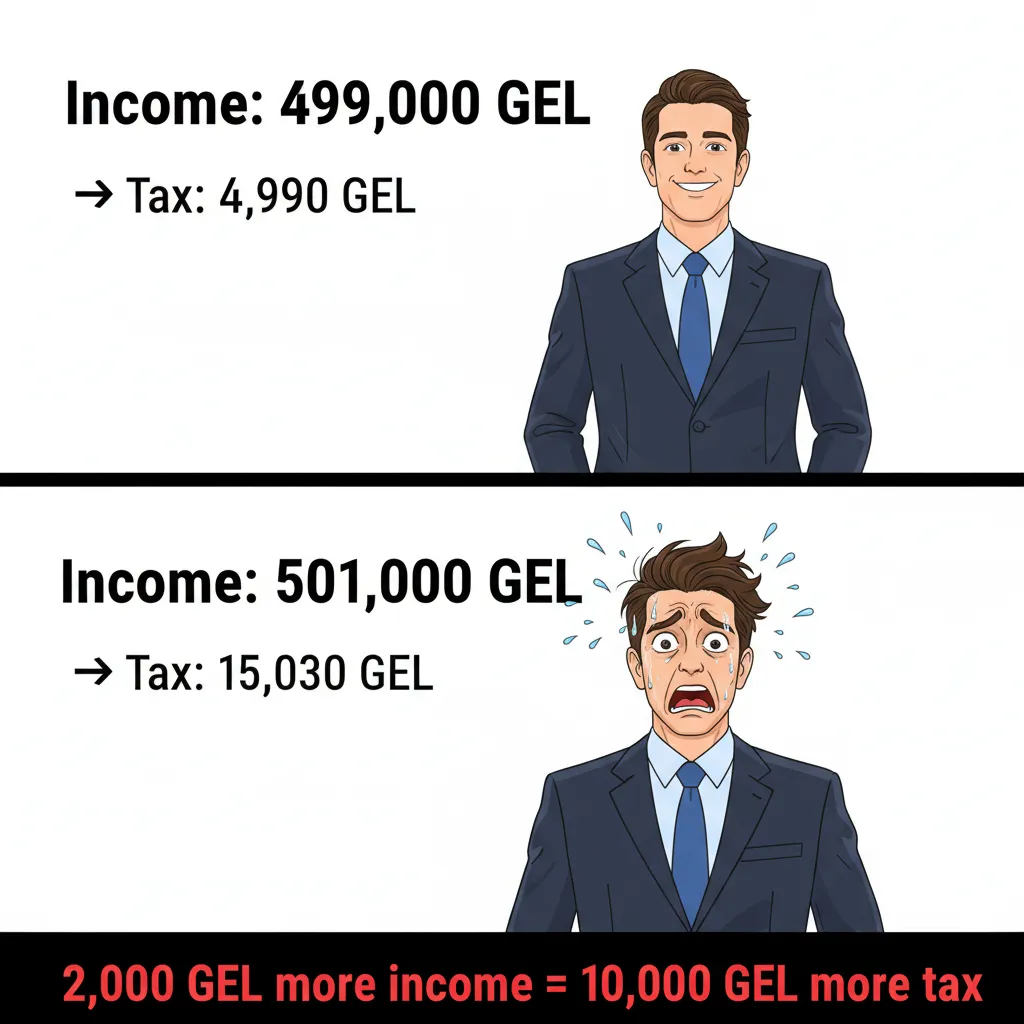
Here's something that catches people off guard: if your cumulative annual income crosses 500,000 GEL, the tax rate jumps to 3% — and it applies retroactively to the entire year, not just the amount above the threshold.
If you earned 499,000 GEL, you'd pay 4,990 GEL in tax (1%). Earn 501,000 GEL, and suddenly you owe 15,030 GEL (3%). That's a 10,000 GEL difference for earning 2,000 GEL more. Worth keeping an eye on.
Mistakes that actually cost money
After seeing hundreds of declarations, here are the ones that cause problems:
Late filing. The deadline is the 15th, not "around the 15th." Miss it and you'll get a penalty. Set a calendar reminder.
Counting everything as income. A friend transferred you money for dinner? That's not income. A client refunded an overpayment? Not income. Loans, personal transfers, refunds — these should all be excluded. Only count actual business revenue.
Wrong cumulative total in Column 15. If February's income was 5,000 GEL and March's was 8,000 GEL, Column 15 for March should be 13,000 — not 8,000. This sounds obvious, but it's the most common error we see.
No records. The 1% regime is simple, but the tax authority can still audit you. Keep your bank statements and invoices organized. You'll thank yourself later.
2026 filing calendar
| Income month | File by |
|---|---|
| January | February 15 |
| February | March 15 |
| March | April 15 |
| April | May 15 |
| May | June 15 |
| June | July 15 |
| July | August 15 |
| August | September 15 |
| September | October 15 |
| October | November 15 |
| November | December 15 |
| December | January 15, 2027 |